
Payment Methods
We accept PayPal, Credit Card, Google Pay
PayPal
Our website fully supports the PayPal online payment method. After completing your order, you will be redirected to the official PayPal platform for payment. All payment processes and personal information are securely protected on PayPal’s official website. Our store only retains your order records and shipping address.
You can complete the payment by following these steps:
1. Check your payment information carefully.
2. Select the payment method and click the PAYPAL icon.
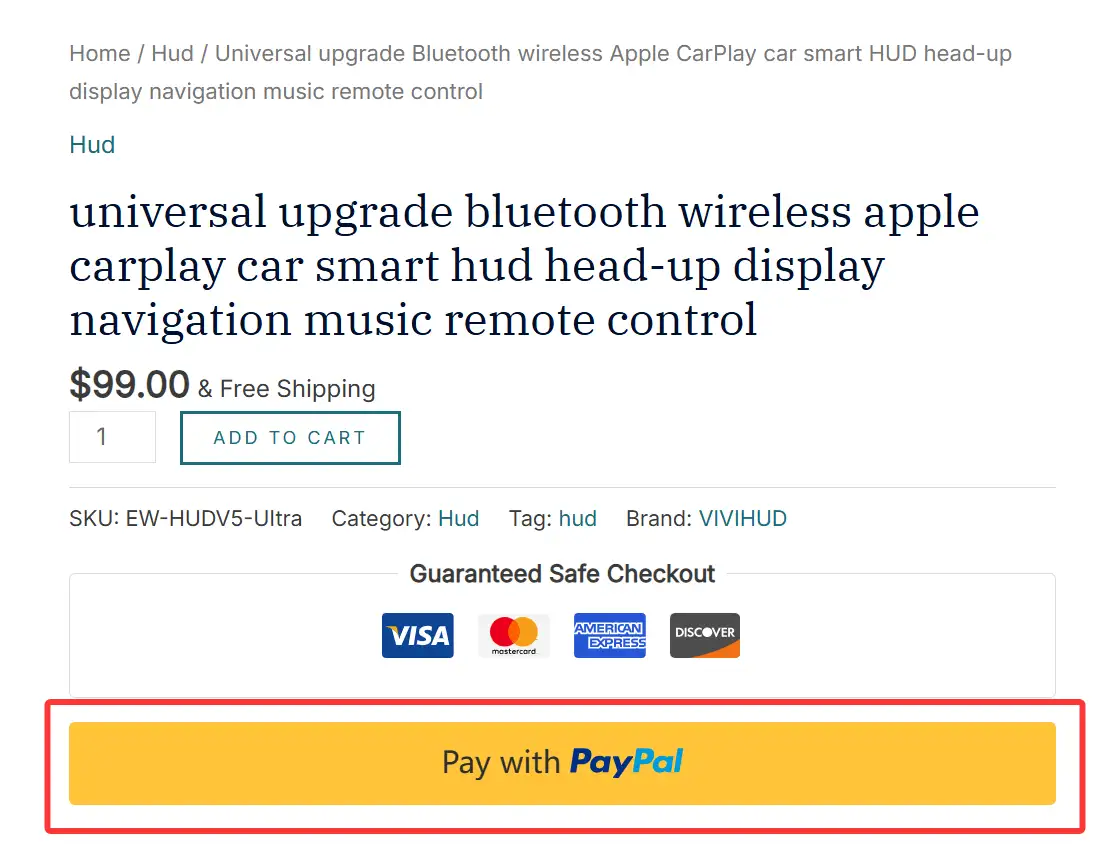
If you have a PayPal account, please log in to complete payment.
If you do not have a PayPal account, click "Pay by Card" (or proceed to the next page), then fill in your billing information, bank card details, and contact information.
Credit Card
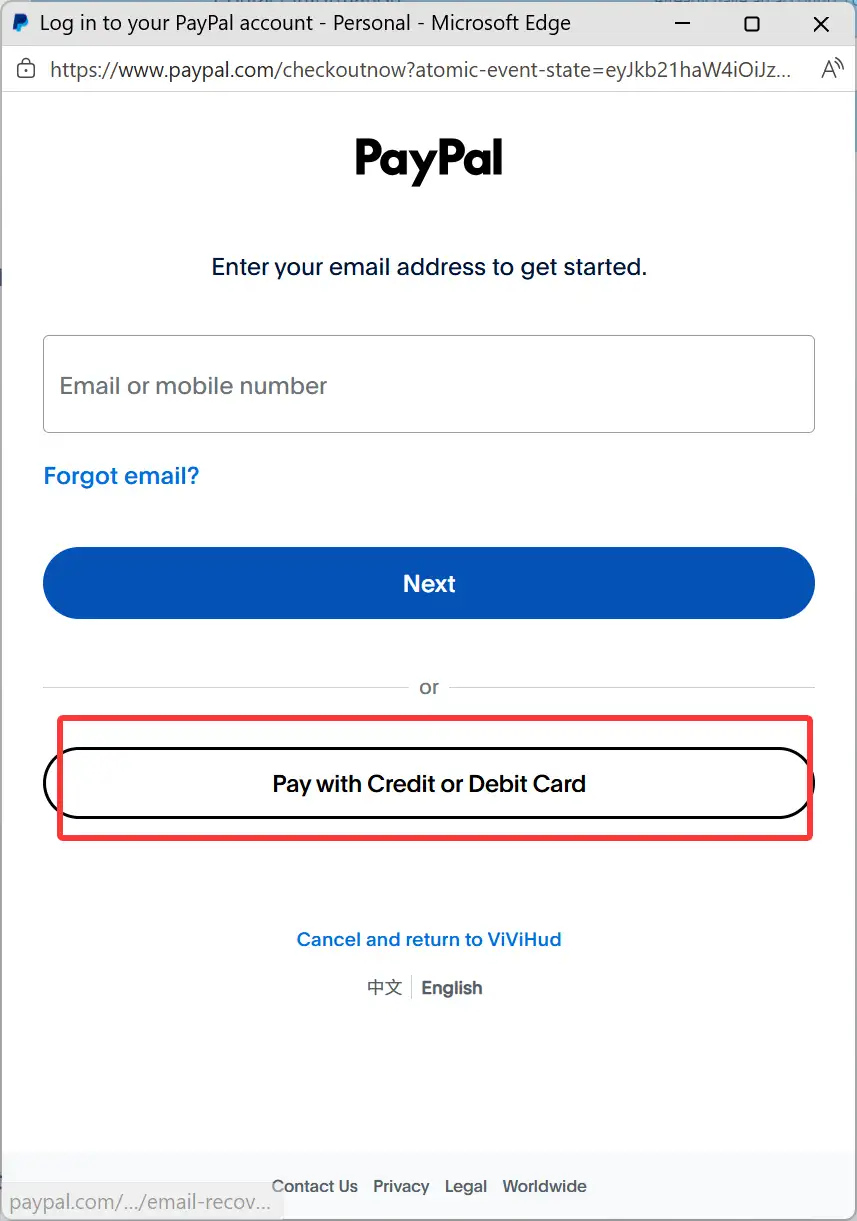
3. Select Save my payment information and create a PayPal account if needed.
4. Click Next to finish payment.
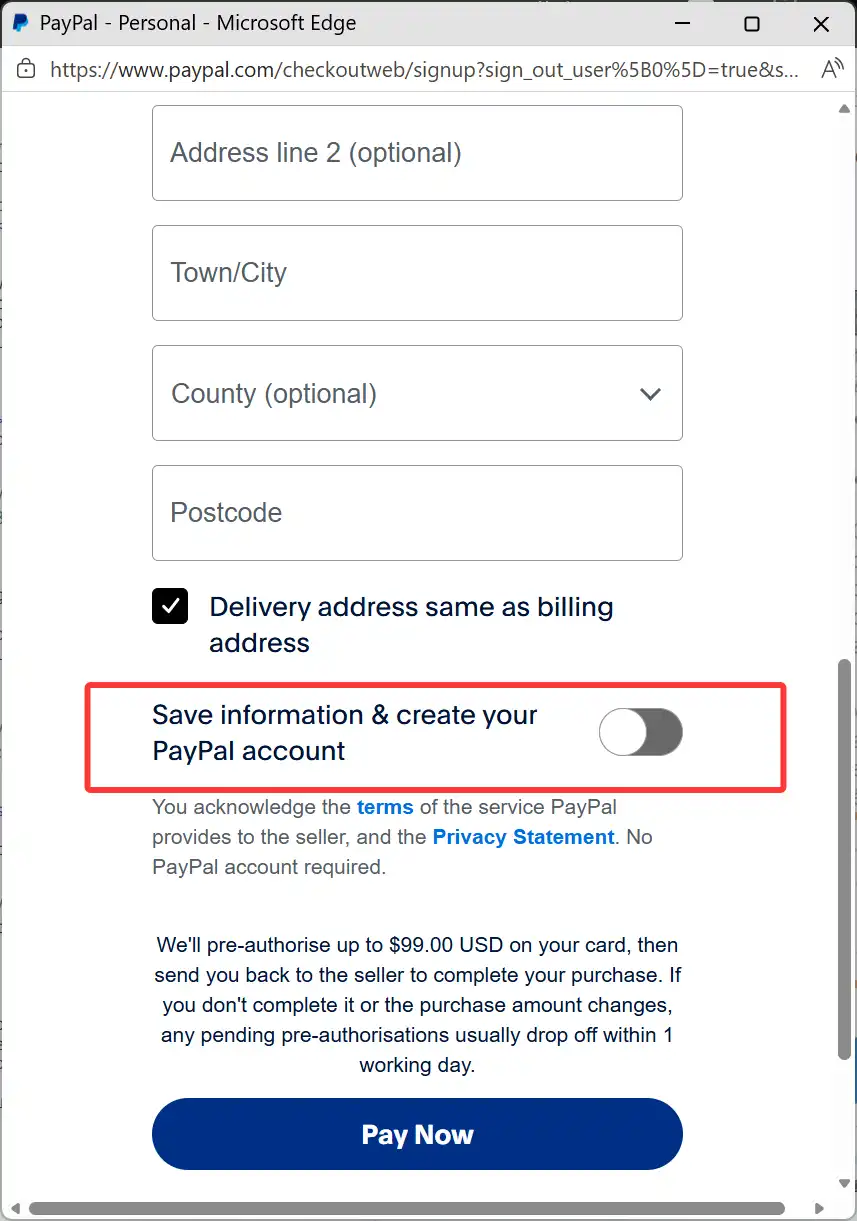
When paying by credit card, please do not leave the CVV number blank. Missing information will trigger the platform’s anti-fraud system and may delay order processing and shipping.
Google Pay
Our website supports payments via Google Pay for a fast and secure checkout experience.
To pay with Google Pay:
1. On the checkout page, select Google Pay as your payment method.
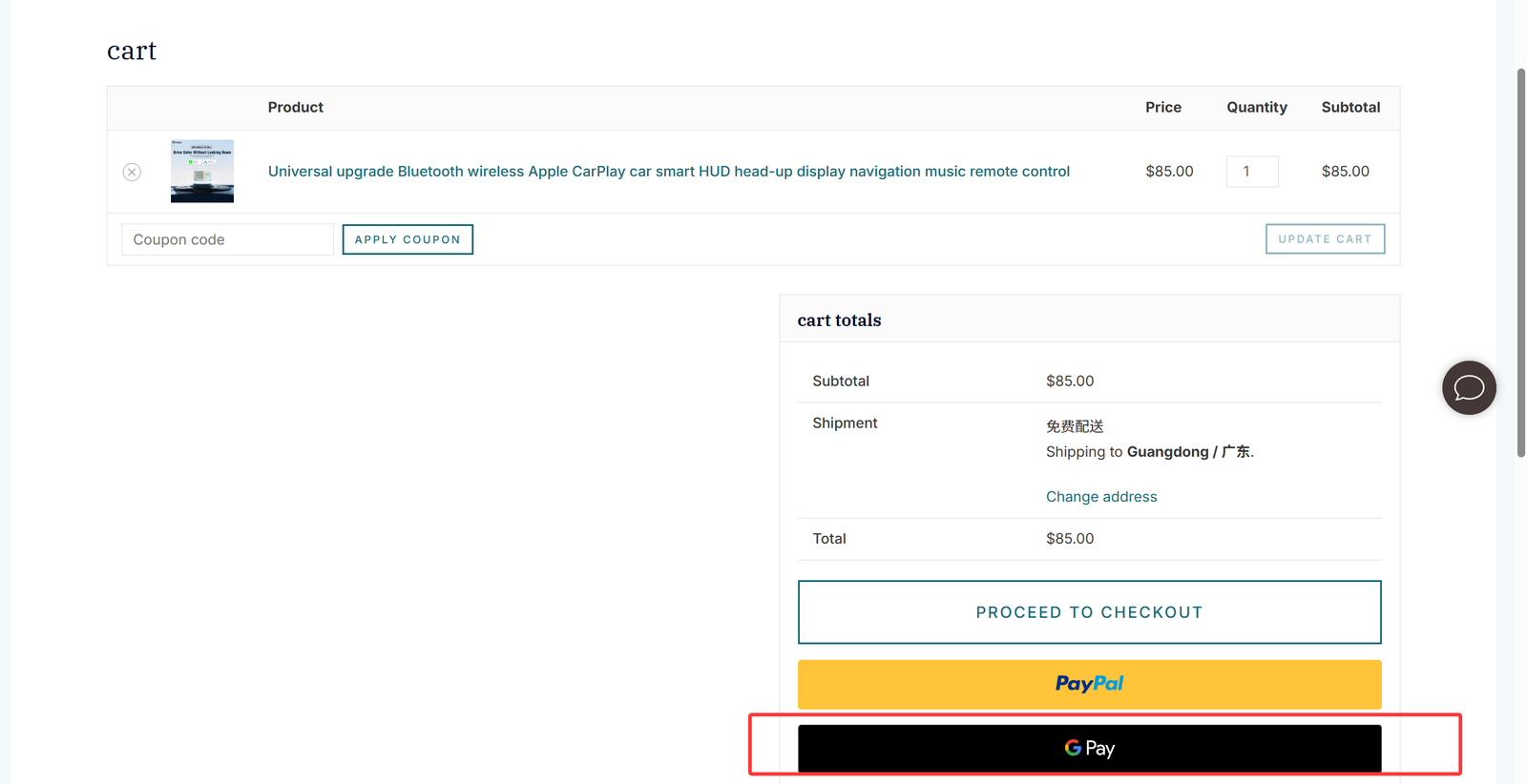
2. If you are using Google Pay for the first time, you will be prompted to add your card details:
• Enter your card number, expiration date (MM/YY), security code (CVV), and cardholder name.
• Confirm your billing country/region and street address.
3. Follow the prompts to verify your card. Once verified, you can complete payment in one click on future orders.
Google Pay uses advanced encryption to protect your payment information, ensuring your transactions are safe and private.